Online shops & menus · Orders on WhatsApp
Your whole shop,
on one link.
A branded shop or menu your customers open from a QR code or your Instagram bio. They browse, fill a bag, and the order lands in your WhatsApp. For boutiques, beauty and clothing shops, cafés and restaurants.
- No app
- No commission
- Set up for you
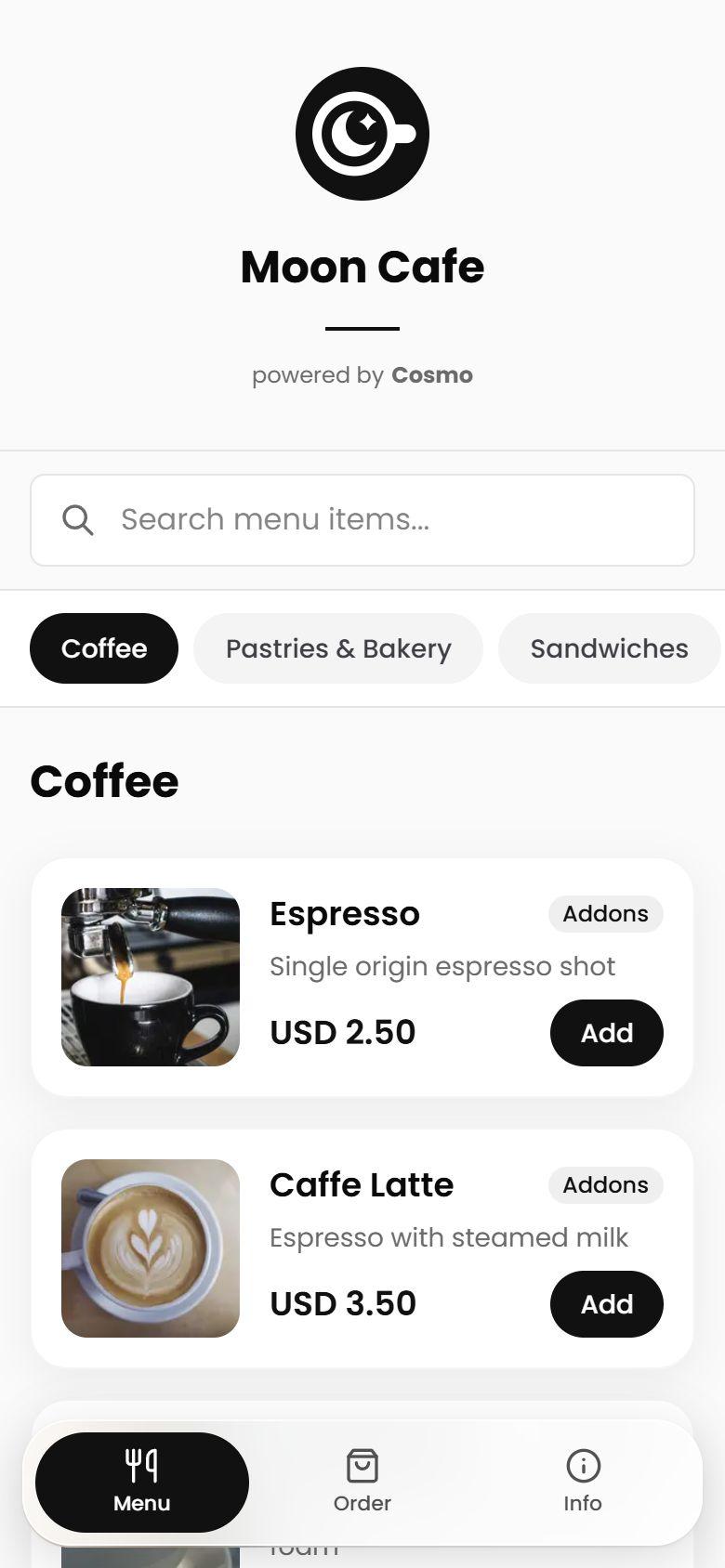
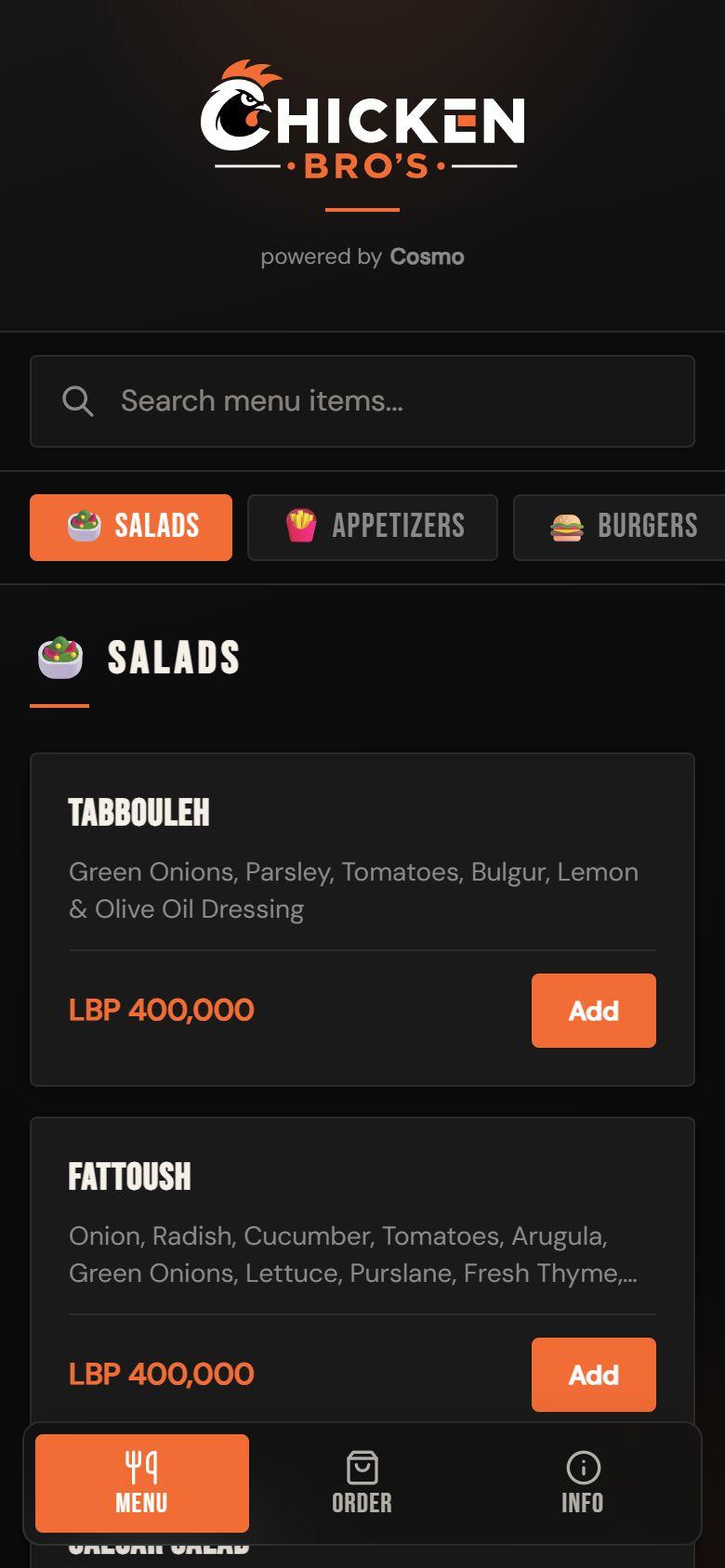
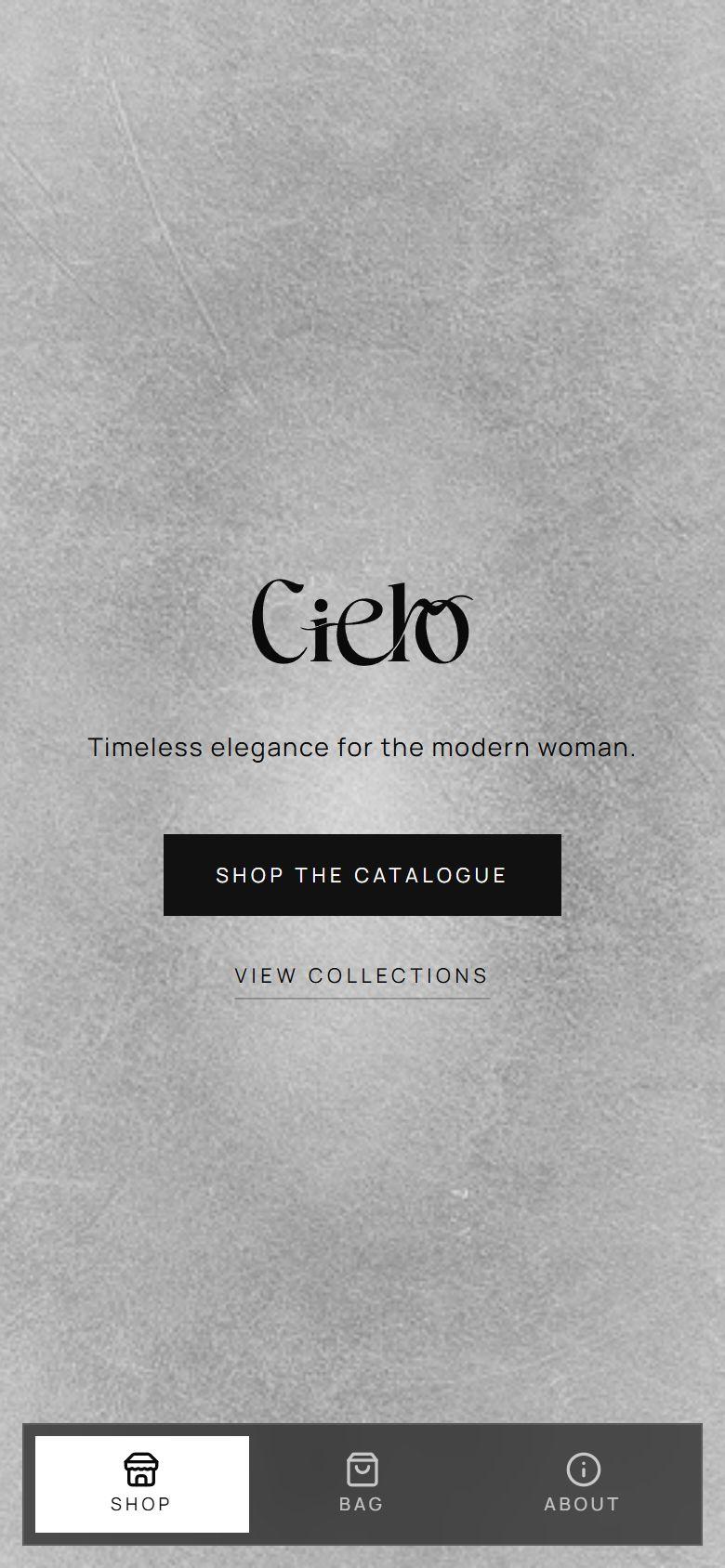
For Boutiques, Beauty & cosmetics, Clothing, Cafés, Restaurants, Bakeries, Grills, Concept stores.
On the product
One system.
Every kind of shop.
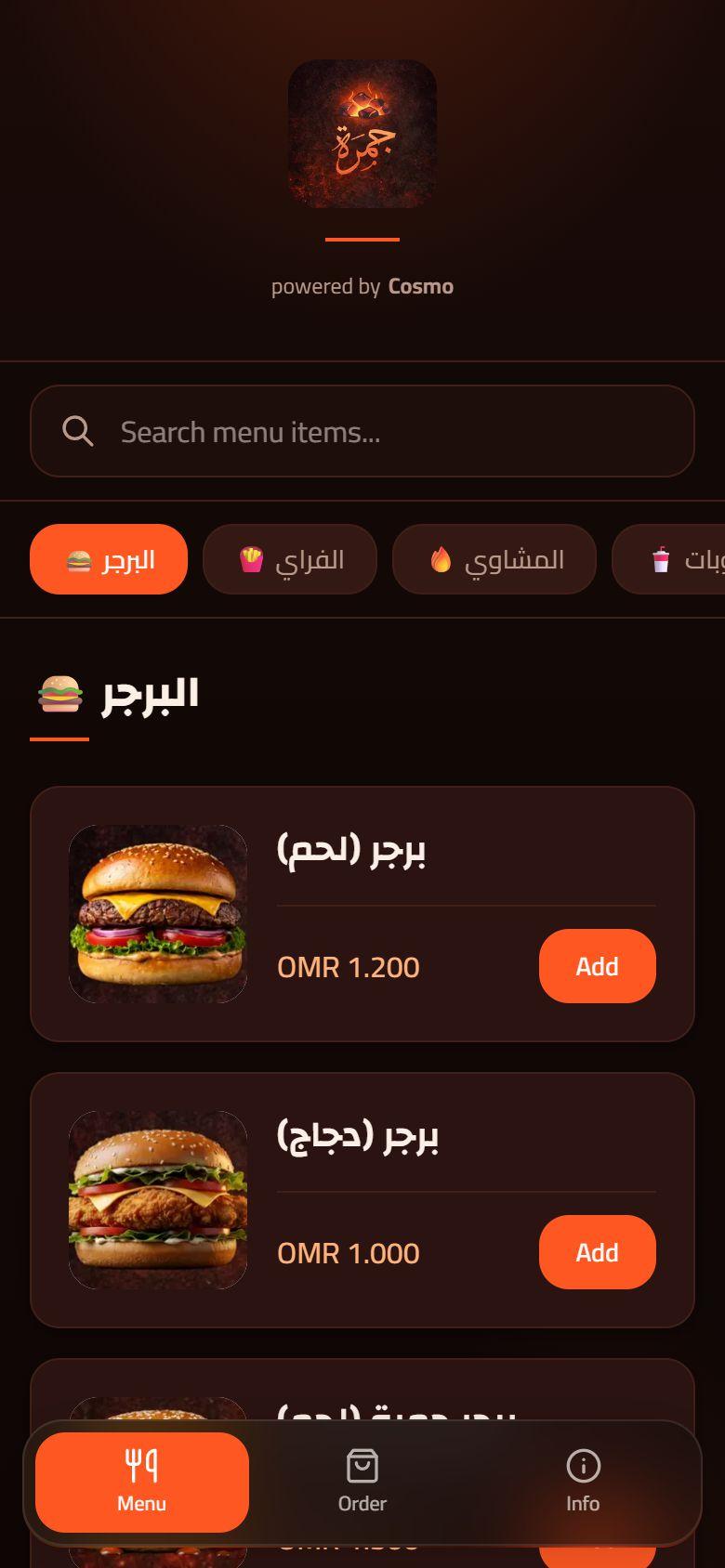
A charcoal grill, a grill in Oman, a demo café and a boutique on its way, all on the same product. Open any of them to see exactly what your customers see.
How an order happens
A few taps from
scan to WhatsApp.
No account and no checkout form to fight with. Customers send you a message you already know how to read.
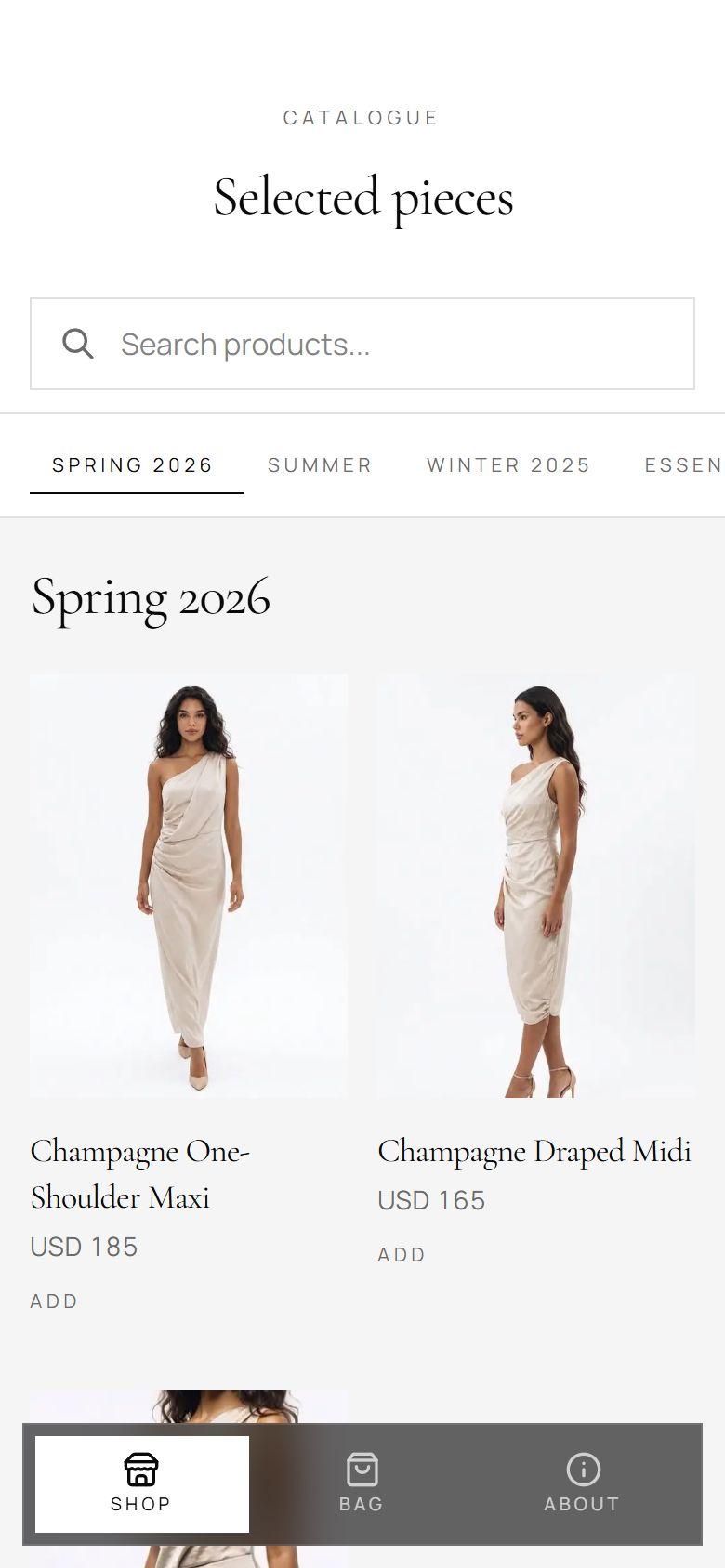
Step 1: Browse
Collections, search and photos, in your look.
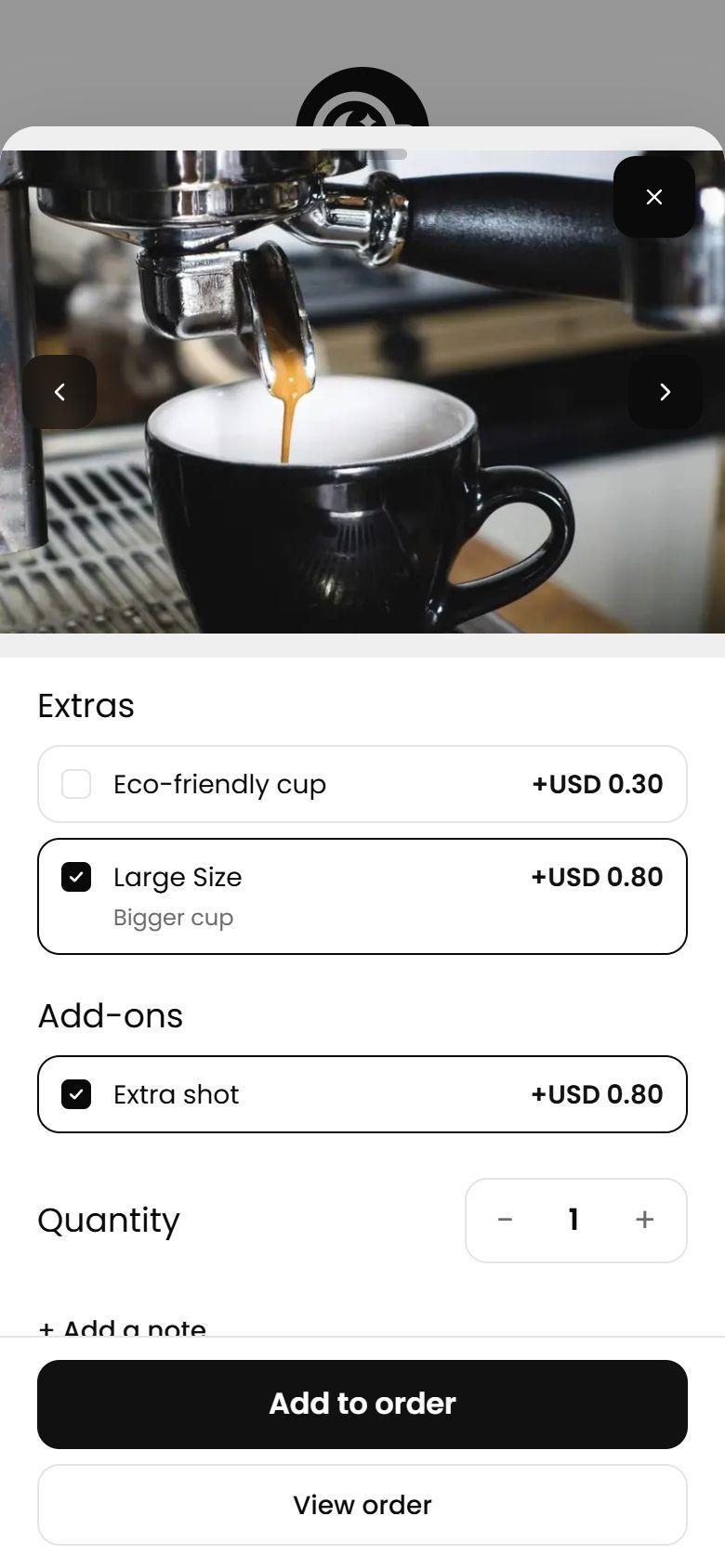
Step 2: Choose
Pick the size or extras and add it to the bag.
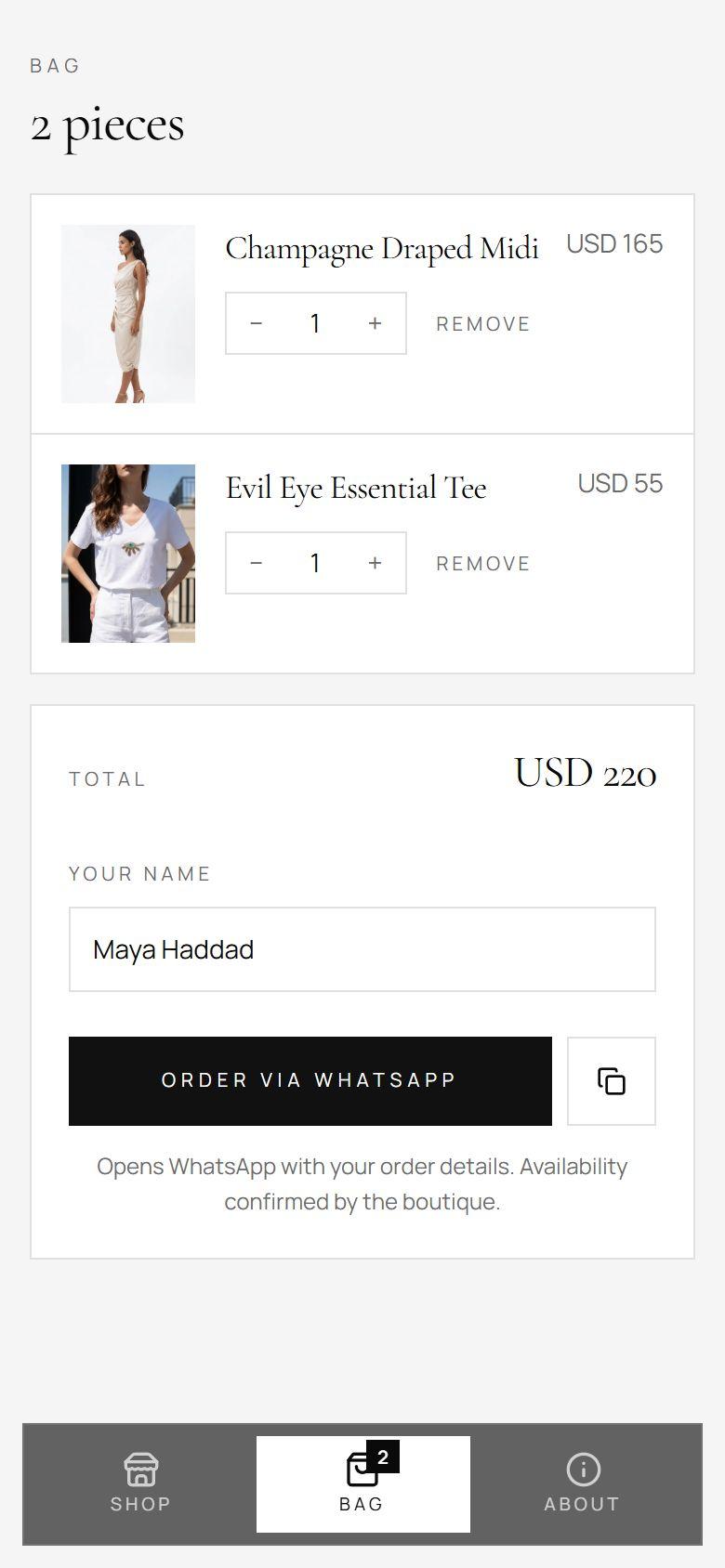
Step 3: Send
Check the bag, add a name, tap Order via WhatsApp.
And on your side
A clear order, every time.
Every line, extra and price, the customer's details, an order number and the total. Reply to confirm, like any other chat.
- Order ID
- Lines
- Extras
- Notes
- Customer
- Total
🍽️ Moon Cafe
📅 Nov 19, 2026, 9:41 AM
🆔 Order ID: ORD-MI4Q7K2
1. Caffe Latte
Quantity: 2
Base Price: USD 3.50
Addons:
• Large Size (Category) - USD 0.80
Subtotal: USD 8.60
2. Espresso
Quantity: 1
Base Price: USD 2.50
Addons:
• Extra shot (Item) - USD 0.80
Subtotal: USD 3.30
💰 Total: USD 11.90
Thank you for your order! 🙏
What's in it
Everything a shop needs. Nothing your customers trip on.
Your look, not a template
Your fonts, colours, logo and cover photo. Dark or light, square or rounded corners, a photo grid for a boutique or a tight list for a menu.
Search and collections
Customers jump between collections or type what they want, and every product has its own link you can post on Instagram.
Sizes, extras and notes
Required choices, optional extras with prices and limits on how many. Menus add a note on each line, so the order arrives the way you work.
A bag that sends itself
Customers check their bag, fill in the details you ask for (name, phone, address, any question) and send a tidy order to your WhatsApp.
Open now, and how to reach you
Live open or closed status in your time zone, the week's hours, directions, call, Instagram, and Wi-Fi with a QR code to join.
Your currency, your decimals
Lebanese pounds, dollars, rials: prices show the way your customers read them.
Print once
Your link stays the same when prices or photos change. One code for every table, flyer or shop window.
No app, no login, no commission
It opens in the phone's browser. Orders come straight to you; we never sit between you and your customer.
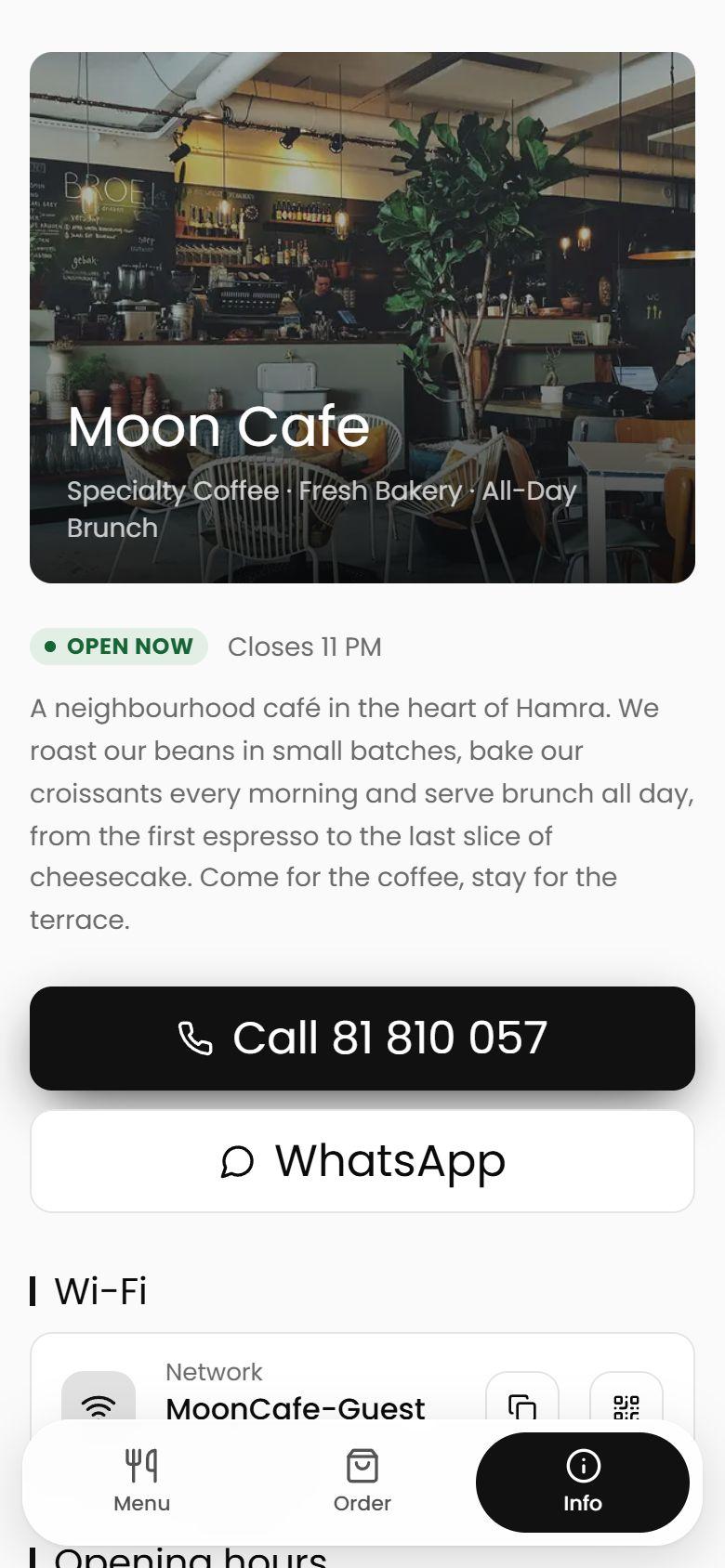
For restaurants & cafés
The menu, the order and the info tab.
- Required choices and paid extras
- Live “open now” in your time zone
- Wi-Fi with a QR code to join
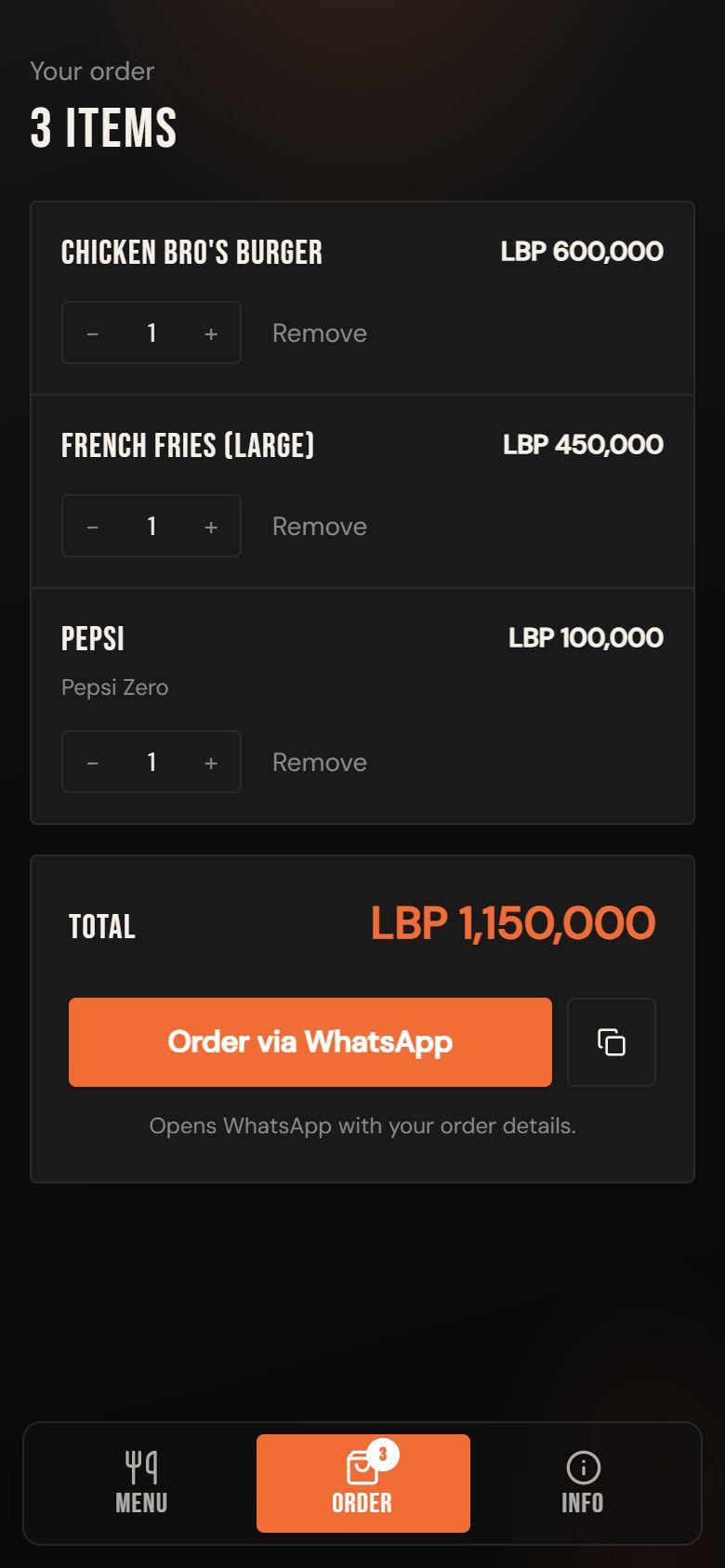
For boutiques & beauty
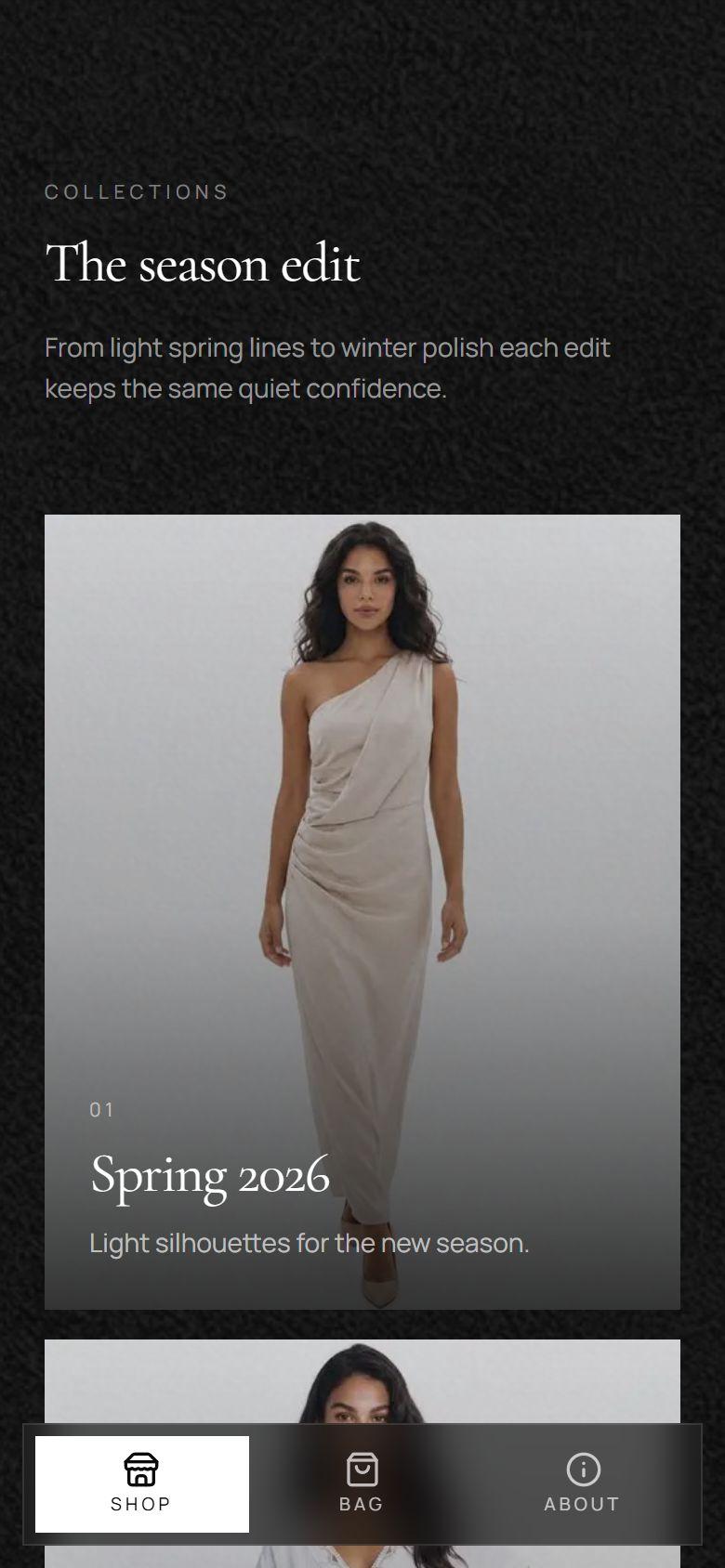
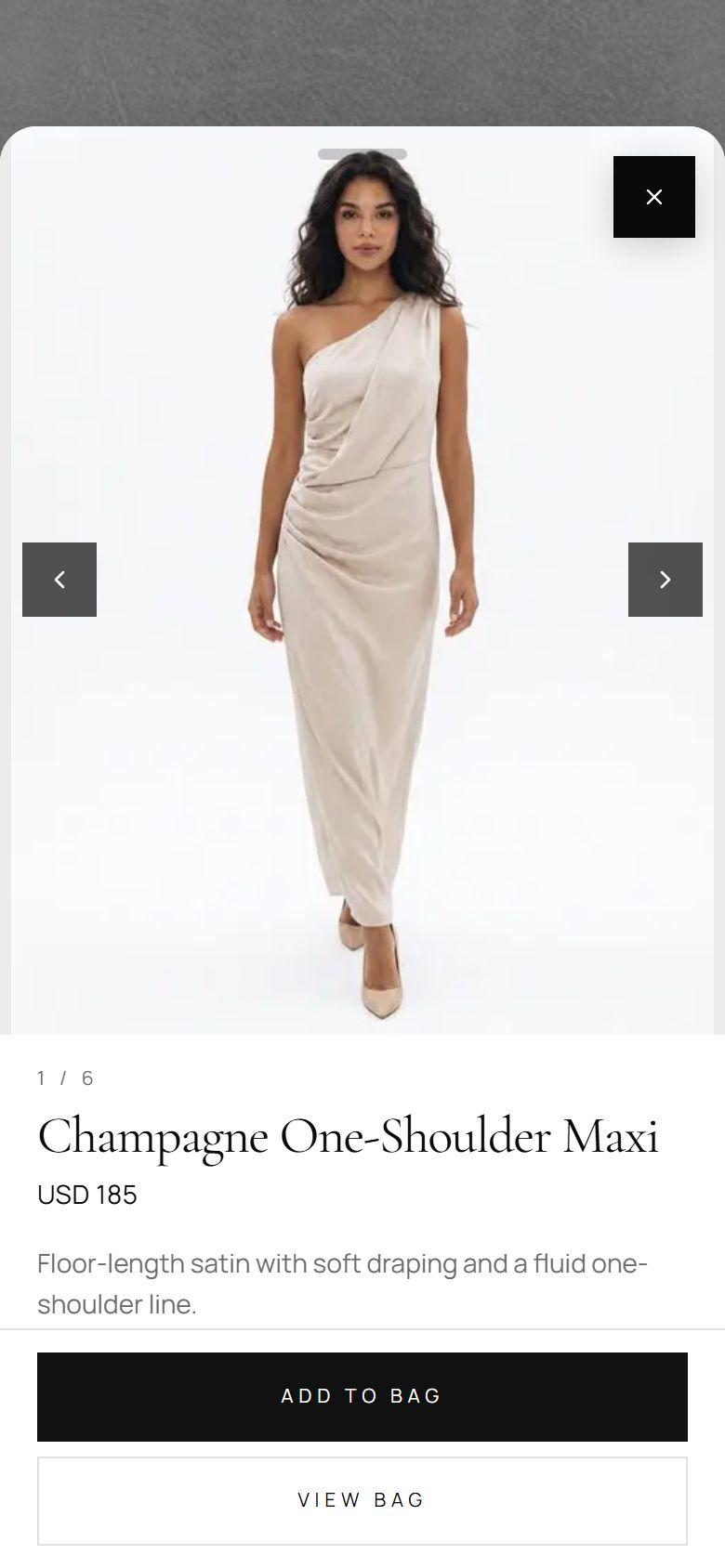
A catalogue that feels like your shop window.
- Full-bleed cover and collections
- Large photos, one link per piece
- A bag, then WhatsApp
Done for you
You run the shop.
We build the page.
No dashboard to learn on day one. We enter your items, match your brand and keep it up to date.
- 01
Send us what you sell
Your menu or product list, photos, prices and logo. A spreadsheet, a PDF or a few WhatsApp messages all work.
- 02
We build and style it
We set up every item, match your brand, and send you a link to check before it goes live.
- 03
Share the link, get orders
Put it in your Instagram bio, on QR codes and on flyers. Orders land in your WhatsApp.
In the works
Built for shops
with more to manage.
Shades, stock, sales and loyalty are being built now, for the beauty and fashion shops joining next. Founding shops get them as they land.
Shades and sizes with stock
One lipstick, twelve shades, each with its own swatch and stock.
Sale prices and banners
Mark down a product or a whole collection, and run a banner slider on top.
Loyalty stamp card
Stamps tied to the customer's WhatsApp number. No app, no plastic card.
Your own admin, on your phone
Change prices, photos and stock yourself, from the home screen.
Your own domain
yourshop.com instead of a shared link.
Delivery areas and fees
Customers pick their area; the fee is added to the order.
A branded online shop or menu. Customers open it from a link or a QR code, browse, fill a bag, and send the order to your WhatsApp.
No. It is built for shops as much as menus. Restaurants take orders on it today, and Cielo, a women's boutique, is moving onto it now. The same page does a photo catalogue for a boutique and a tight list for a menu.
No. It opens in the phone's browser. No download, no sign-up.
No. The order goes from your customer to your WhatsApp. We are not in the payment, and there is no commission.
We do. Send us your items, photos and logo and we build it, match your brand and keep it updated.
Not in the page. You confirm the order on WhatsApp and get paid the way you already do: cash on delivery, transfer or in the shop.
Tableside is our full restaurant system with an AI waiter, AR dish previews and loyalty. Cosmo is the simple, fast way to put a shop or a menu online and take orders on WhatsApp.
Need more?An AI waiter, AR dish previews and loyalty for restaurants live in Tableside, our full restaurant system.
Explore TablesideOpen your shop
on WhatsApp.
Tell us what you sell. We'll send you a link to your own page to check before it goes live.